What is AskCaller in NICE CXone?
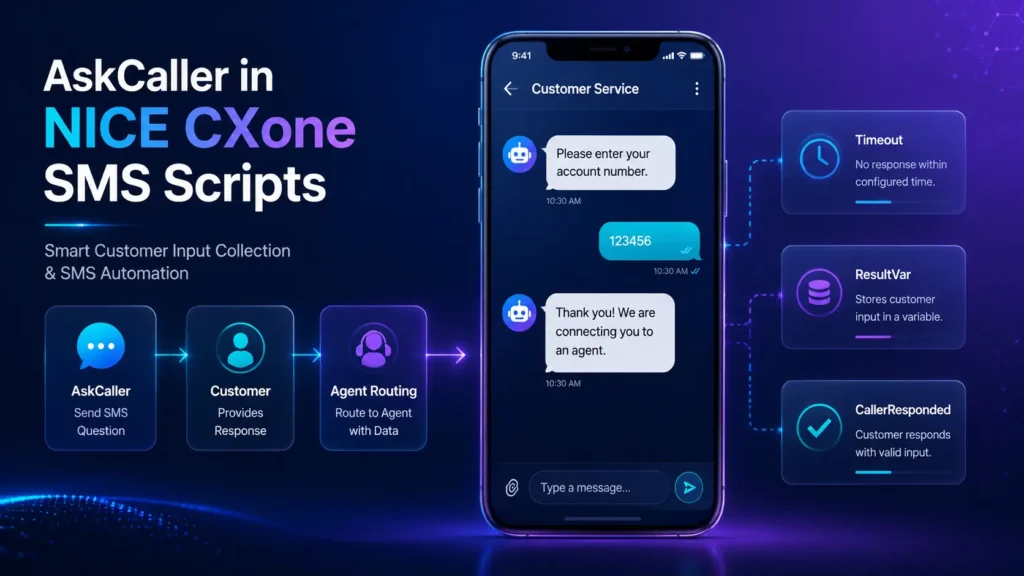
The AskCaller action in NICE CXone SMS scripts is used to collect information from customers through SMS or digital chat interactions.
It prompts the customer with a question and waits for a response. The entered value is then stored in a variable for further processing inside the script.
For example, AskCaller can collect:
- Account Number
- Customer Name
- Order ID
- Email Address
- Ticket Number
- Feedback Responses
This action is commonly used in:
- SMS automation workflows
- Digital chat scripts
- Customer authentication flows
- Self-service contact center automation
Supported Script Types

Script Example
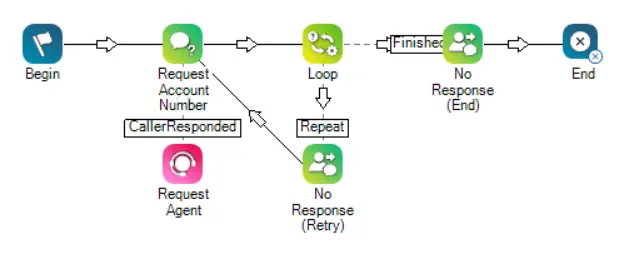
In the following script, the AskCaller action requests an account number from the contact. If the contact provides an account number, they are passed on to an agent through the Reqagent action. If the contact does not respond, the interaction is looped back to the account number prompt. This occurs up to the number of times specified in the Loop action. Each loop sends a message explaining that the system did not receive a response from the contact. If no response is received after the specified number of loops, a different message is sent to inform the contact that no account number was received, then the interaction ends.
AskCaller SMS Script Architecture
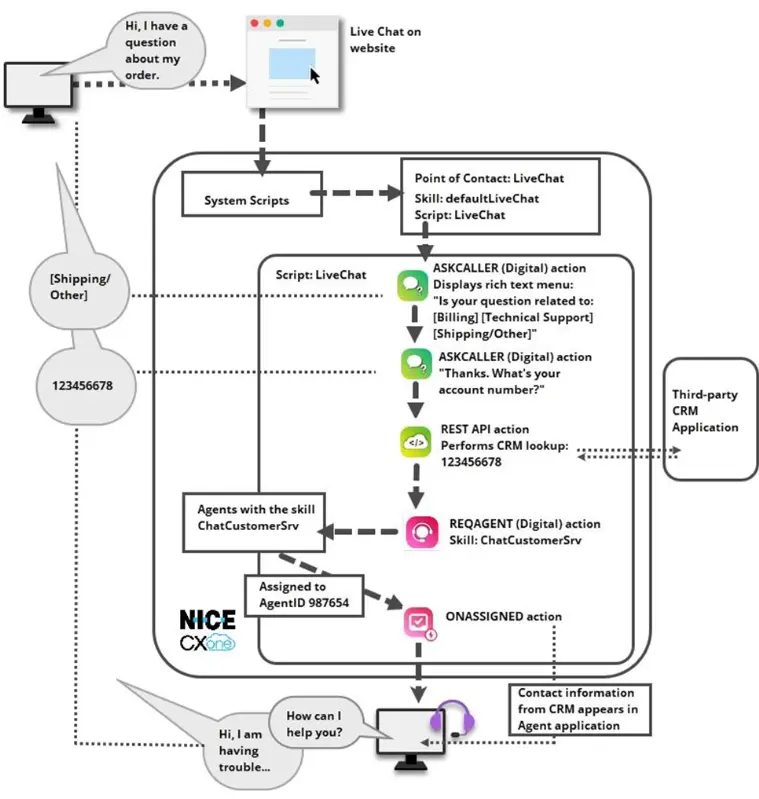

Supported Script Types
AskCaller supports the following script types:
Script Type | Supported |
SMS Scripts | Yes |
Digital Scripts | Yes |
Chat Scripts | Yes |
Why AskCaller is Important
Main Benefits
Customer Data Collection
Collect customer information automatically before routing to agents.
Faster Agent Handling
Agents receive customer details in advance.
Better Automation
Enables self-service workflows without agent intervention.
Improved Customer Experience
Customers can quickly provide information through SMS.
Reduced Agent Workload
Eliminates repetitive manual questioning.
Input Properties of AskCaller
- Caption
The Caption property is a short label used to identify the AskCaller action inside the script canvas.
Example:
Get Account Number
Purpose:
- Easy script identification
- Better workflow readability
- Simplifies debugging
- Message
The Message property contains the text sent to the customer.
Example:
Please enter your account number.
You can also use variables dynamically.
Example with Variable:
Hi {FirstName}, please enter your order ID.
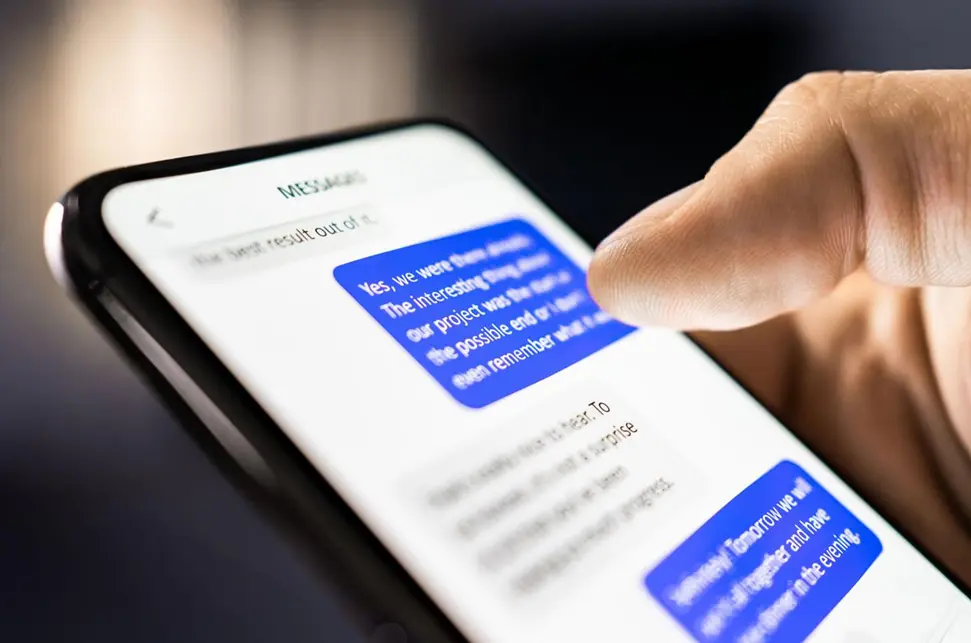
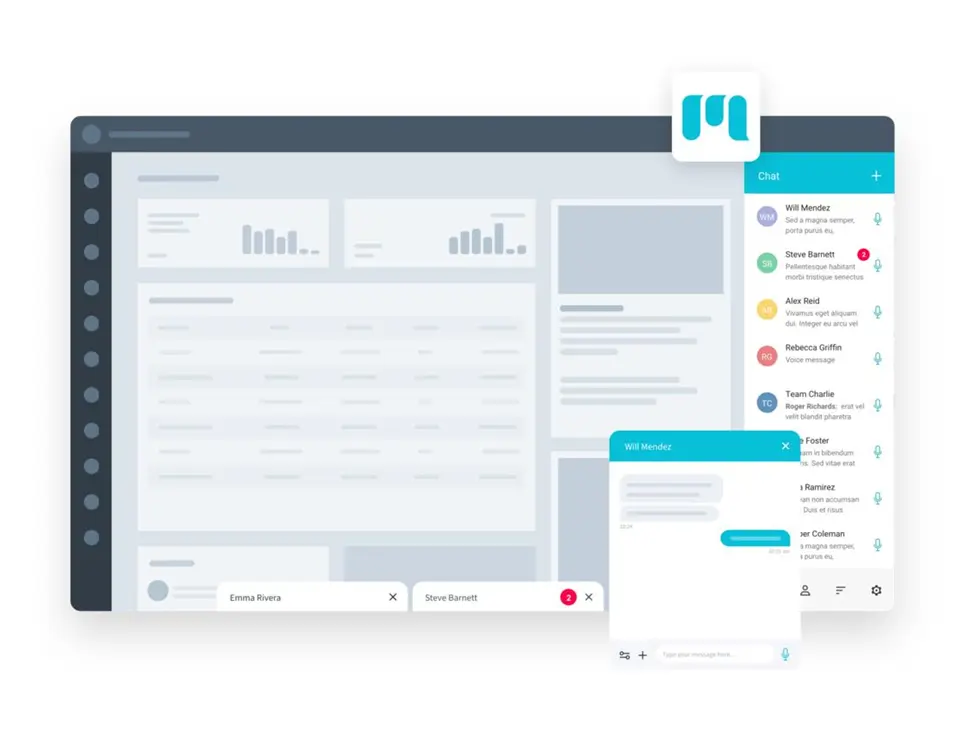
AskCaller Message Example
- ResultVar
The ResultVar stores the customer response.
Example:
AccountNumber
If the customer enters:
123456
Then:
AccountNumber = 123456
This variable can later be used in:
- Routing logic
- Database lookup
- CRM integration
- Agent screen pop
- Validation workflows
- TimeoutSec
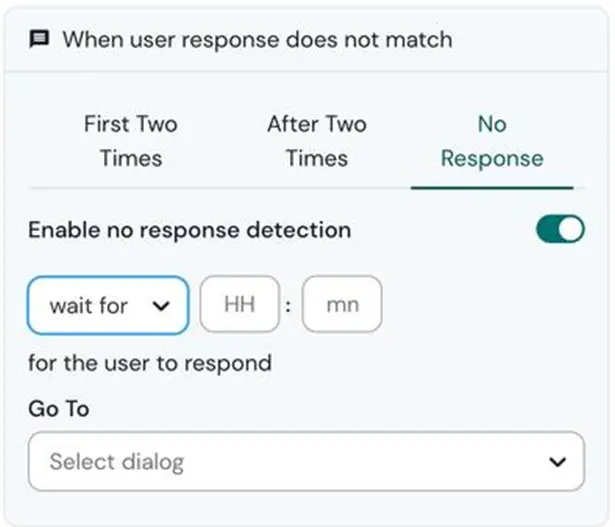
This property defines how long AskCaller waits for customer input.
Range:
0 to 60 seconds
Example:
30
If the customer does not respond within 30 seconds, the script follows the Timeout branch.
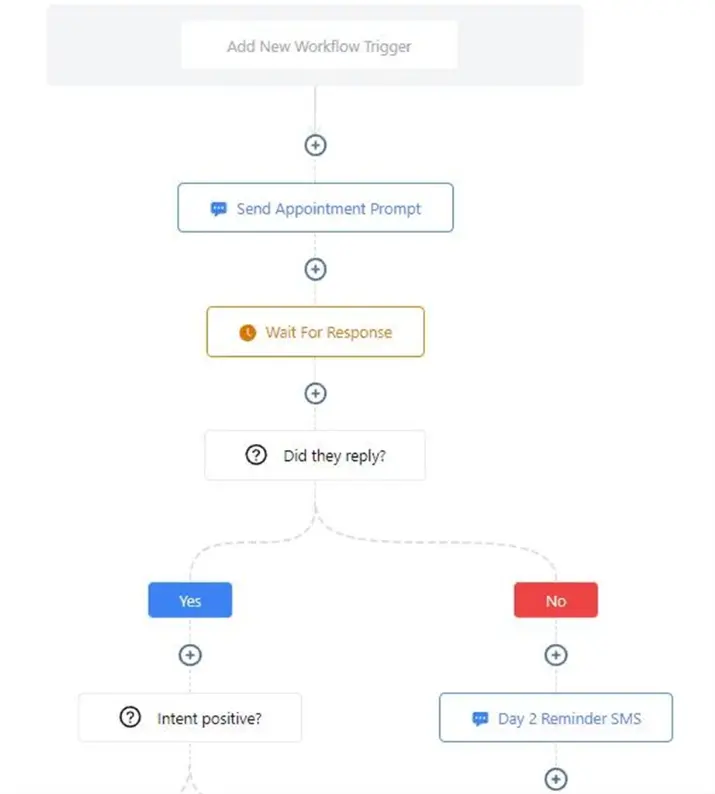
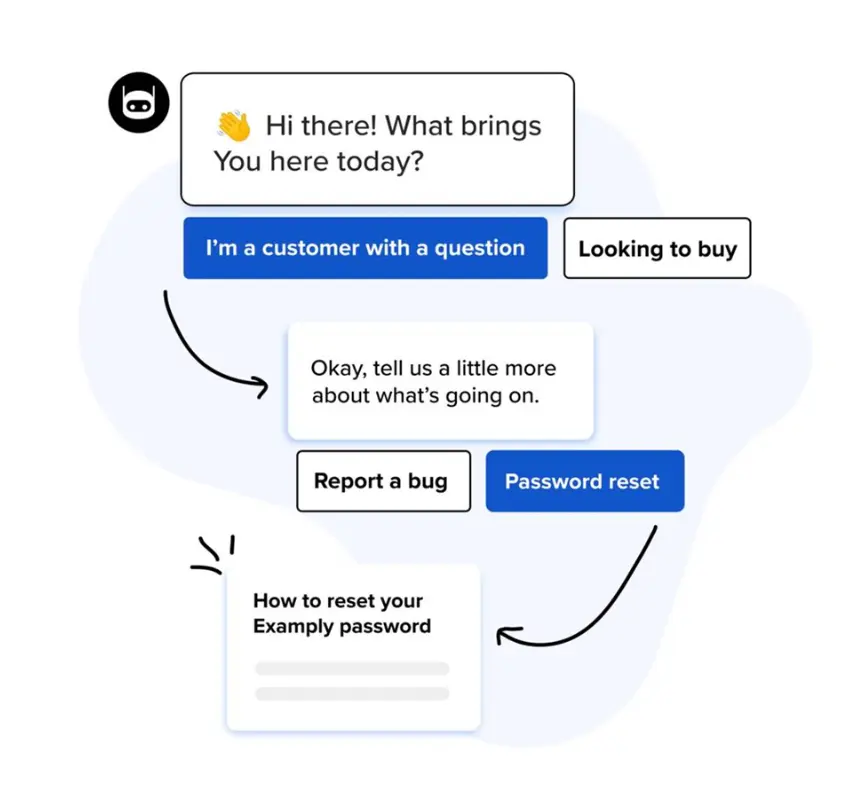
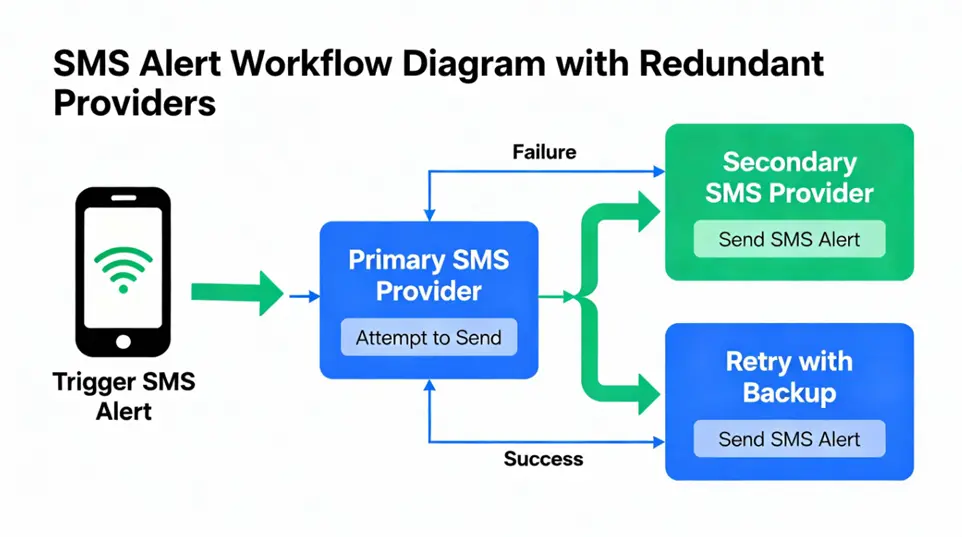
AskCaller Timeout Flow

Result Branch Conditions
AskCaller supports multiple execution paths.
Branch | Description |
Default | Normal execution path |
Timeout | Triggered when customer does not respond |
CallerResponded | Triggered when customer sends a response |
Error | Triggered when AskCaller fails |
1. Default Branch
This is the standard path used when no special condition occurs.
Used for:
- Normal script continuation
- Standard message flow
2. Timeout Branch
Triggered when:
- Customer does not respond within TimeoutSec value.
Common Use Cases
- Retry prompts
- Reminder messages
- Escalation logic
Example:
We did not receive your response. Please enter your account number again.
3. CallerResponded Branch
Triggered when the customer successfully sends a response.
Example Flow:
Customer enters account number → Route to agent
This branch is commonly connected to:
- ReqAgent
- Snippet
- CRM Lookup
- Database validation
4. Error Branch
Triggered when the AskCaller action fails.
Possible reasons:
- Connectivity issues
- Invalid syntax
- Script processing errors
- Platform communication problems
The system stores error details inside:
_ERR
Example:
_ERR = Timeout connection failure
Complete AskCaller SMS Script Example
Scenario
The system asks the customer for their account number.
If customer responds:
- Route interaction to an agent.
If customer does not respond:
- Retry the prompt multiple times.
If still no response:
- Send final timeout message.
- End interaction.
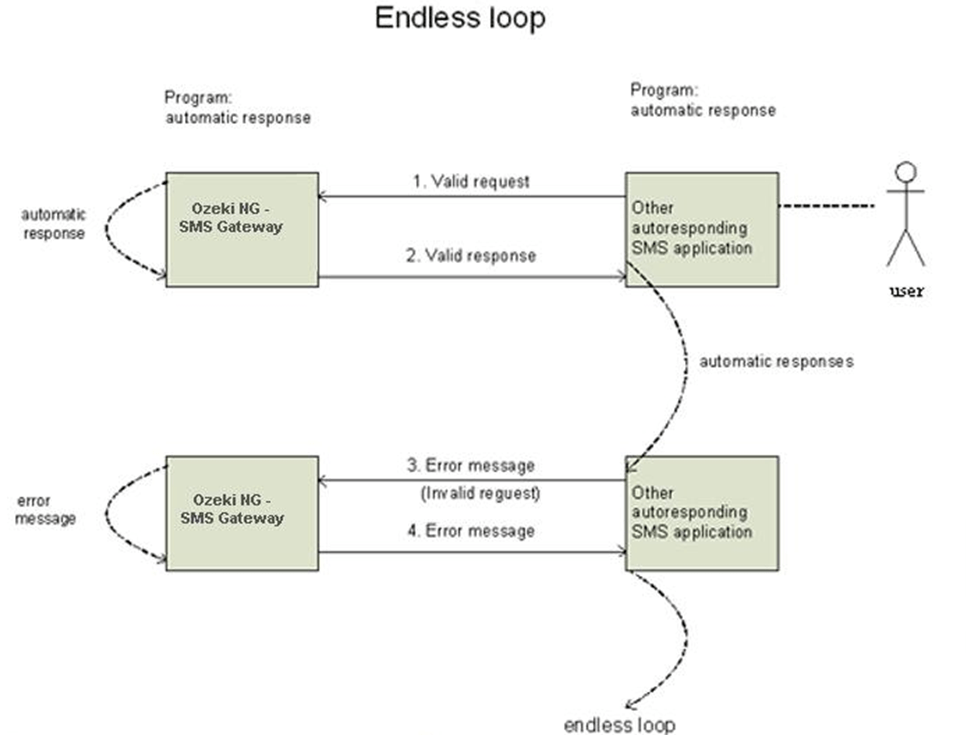
AskCaller Script Flow Diagram


Step-by-Step Script Logic
Step 1 – Send Account Number Request
AskCaller sends:
Please enter your account number.
Step 2 – Wait for Customer Response
The script waits for input.
Possible Outcomes:
- Customer responds
- Timeout occurs
- Error occurs
Step 3 – CallerResponded Path
If customer enters:
456789
The value is stored in:
AccountNumber
The interaction then routes to an agent using:
ReqAgent
Step 4 – Timeout Path
If customer does not respond:
- Loop action retries the prompt.
- Reminder message is sent.
Retry Example:
We did not receive your response. Please enter your account number.
Step 5 – Maximum Retry Reached
If retries exceed the configured loop count:
Final Message:
No account number was received. Please contact support later.
Then:
End Interaction
Real-Time Business Use Cases
Banking
Collect account numbers before agent routing.
Healthcare
Request patient ID or appointment number.
E-Commerce
Collect order tracking ID.
Telecom
Gather mobile number or ticket ID.
Insurance
Request policy number automatically.
Best Practices for AskCaller
Keep Messages Short
Customers respond faster to simple prompts.
Good Example
Enter your order ID.
Bad Example
Please provide your order identification number associated with your recent transaction.
Set Proper Timeout Values
Recommended:
- 20 to 30 seconds for SMS
- 15 to 20 seconds for chat
Use Retry Logic
Always configure:
- Loop action
- Retry prompts
- Final fallback messages
Validate Customer Input
Use:
- Snippet actions
- Conditions
- Regular expressions
To validate:
- Numeric values
- Email format
Account IDs
Advantages of AskCaller in NICE CXone
Feature | Benefit |
Automated Data Collection | Faster customer service |
SMS Interaction Support | Omnichannel engagement |
Variable Storage | Dynamic scripting |
Timeout Handling | Better workflow control |
Retry Logic | Improved response rate |
Agent Routing Integration | Faster resolutions |
Conclusion
The AskCaller action in NICE CXone SMS scripts is an essential component for customer interaction automation.
It helps organizations:
- Collect customer information efficiently
- Improve agent productivity
- Build intelligent SMS workflows
- Reduce handling time
- Enhance customer experience
By combining AskCaller with:
- Loop actions
- ReqAgent
- Snippet validation
- CRM integrations
Businesses can create powerful omnichannel customer engagement workflows in NICE CXone-NICE CXone Training | Voip Trainers.