Introduction
If you are learning through nice cxone training, understanding ADDCCADDR is essential
In modern contact centers, email automation is essential for efficient communication and workflow management. Tools like NICE CXone Desktop Studio allow businesses to automate emails with precision.
One important action used in email scripting is ADDCCADDR.
If you’re new, you might be wondering:
- What is ADDCCADDR?
- Why is CC important in automation?
- How does it work in NICE CXone?
This guide explains everything in a simple and practical way.
What is ADDCCADDR in NICE CXone?
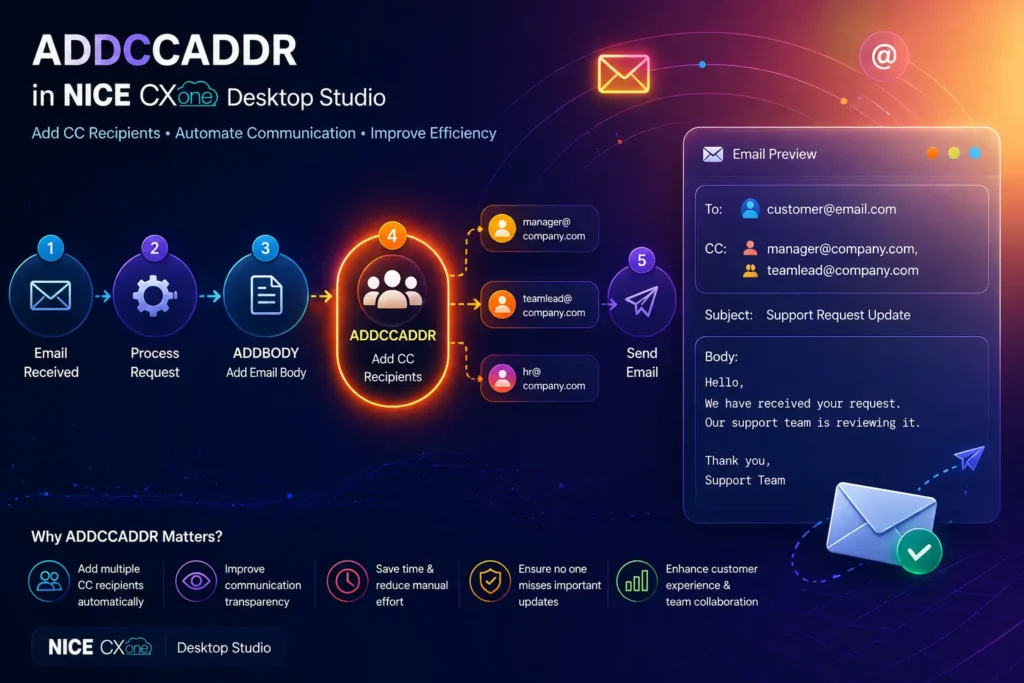
ADDCCADDR is an action used in email scripts to add CC (Carbon Copy) recipients to an email.
In simple terms:
It allows you to send a copy of the same email to additional people automatically.
What Does “CC” Mean?
CC stands for Carbon Copy.
When you add someone in CC:
- They receive the same email
- All recipients can see each other’s email addresses
Example:
- To: Customer
- CC: Manager, Team Lead
Why ADDCCADDR is Important
Without ADDCCADDR, you cannot automatically include additional stakeholders in your emails.
Key Benefits:
- Automatically notify managers or teams
- Keep multiple people informed
- Improve transparency in communication
- Reduce manual work
- Ensure no one misses important emails
How ADDCCADDR Works
Before using ADDCCADDR, you must first create an email structure using:
CreateEmail action
Then ADDCCADDR adds CC recipients to that email
Basic Email Workflow
Here’s a simple automation flow:
- Create Email → (CreateEmail)
- Add Subject → (AddSubject)
- Add Body → (ADDBODY)
- Add CC → (ADDCCADDR)
- Send Email → (SendEmail)
Visual Workflow Concept
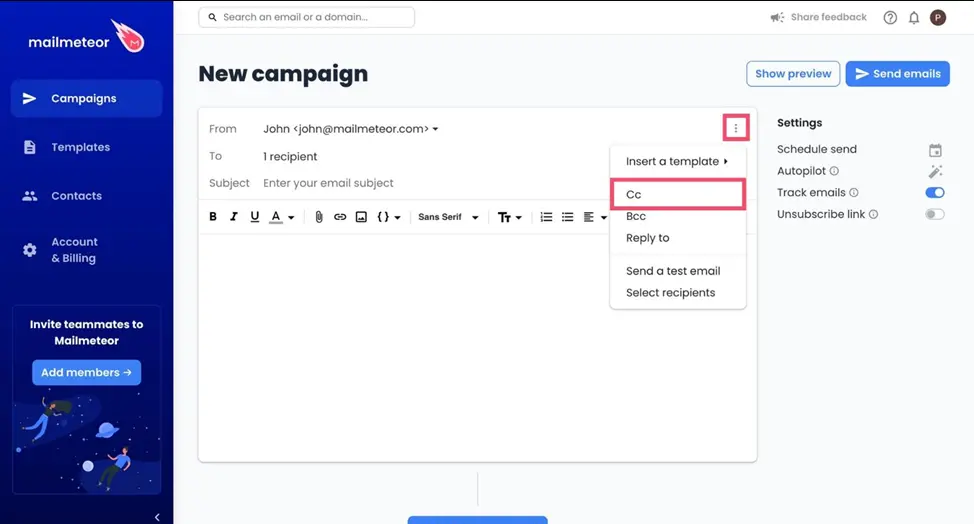
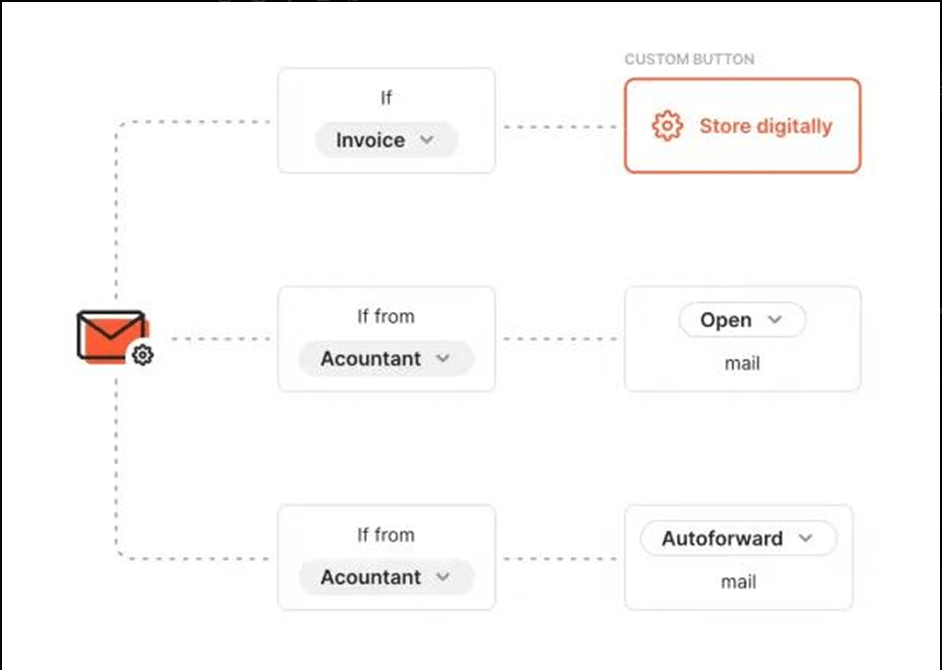
This is how CC recipients are added in a structured automation workflow.
ADDCCADDR Input Properties Explained
Let’s break down each property in simple terms:
- Caption
- A label for your action
- Helps identify it in the script
Example:
“Add Manager CC”
- ContainerVar
- Stores all email data
- Default value: EML
Usually, you don’t need to change this.
- Recipient
- The email address to receive the CC copy
Example:
manager@company.com
- Replace (Boolean Option)
This controls how CC recipients are handled:
- False (Default) → Adds to existing CC list
- True → Replaces existing CC list
Simple meaning:
- False = Add more CC recipients
- True = Replace previous CC recipients
Real-Time Example
Scenario:
Customer raises a support ticket → email is sent to customer + manager
Script Flow:
- Trigger: Email received
- Add Body: Response message
- ADDCCADDR: Add manager email
- Send Email
Example Output:
To: customer@email.com
CC: manager@company.com
Subject: Support Request Update
Body:
Hello,
We have received your request.
Our support team is reviewing it.
Thank you,
Support Team
When Should You Use ADDCCADDR?
Use ADDCCADDR when you want to:
- Notify managers about customer issues
- Send updates to multiple departments
- Include team members in communication
- Maintain transparency in workflows
- Track communication across teams
Best Practices
- Use CC only when necessary (avoid clutter)
- Add relevant stakeholders only
- Keep recipient list clean
- Use Replace carefully
- Combine with ADDBODY for complete email automation
Common Mistakes to Avoid
Not using CreateEmail before ADDCCADDR
Using wrong email format
Overusing CC for too many people
Setting Replace = True unintentionally
ADDCCADDR vs ADDBCCADDR (Quick Difference)
Feature | ADDCCADDR | ADDBCCADDR |
Visibility | Visible to all | Hidden from others |
Use Case | Team transparency | Confidential sharing |
Conclusion
The ADDCCADDR action in NICE CXone Desktop Studio is essential for managing email communication in automated workflows.
It helps you:
Add multiple recipients
Improve communication visibility
Automate team notifications
If you are learning NICE CXone scripting, mastering ADDCCADDR is a must-VoipTrainers.