Introduction
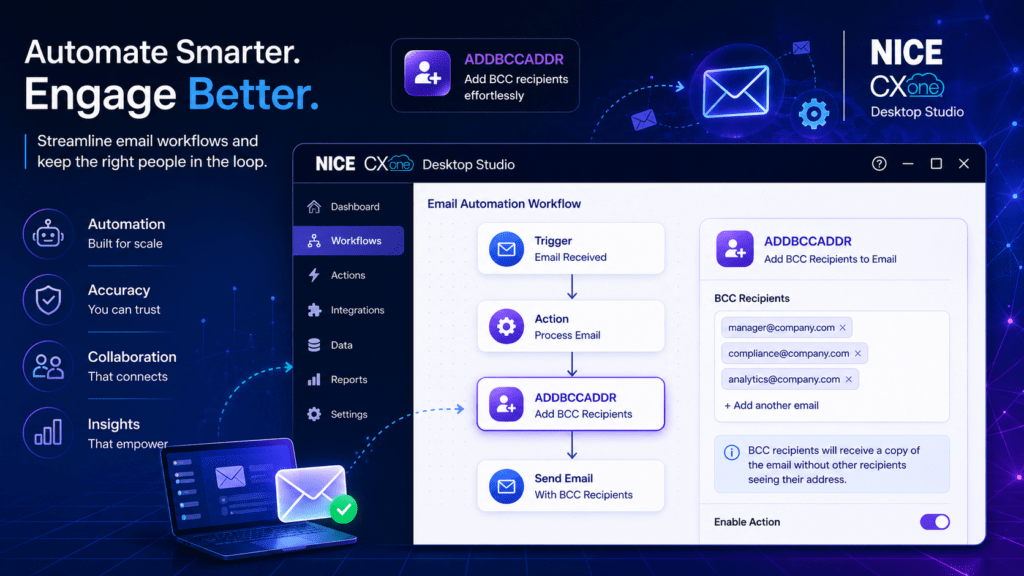
If you’ve been searching for “NICE CXone training” or trying to understand how to master Desktop Studio actions, you’re in the right place. I’ve started sharing practical, easy-to-understand breakdowns of key concepts—and today’s focus is a powerful email automation action: ADDBCCADDR in NICE CXone Desktop Studio.
ADDBCCADDR in NICE CXone Desktop Studio – Explained Clearly
When working with email scripts in NICE CXone Desktop Studio, managing recipients effectively is crucial. The ADDBCCADDR in NICE CXone Desktop Studio action helps you add Blind Carbon Copy (BCC) recipients to your emails—ensuring visibility for stakeholders while maintaining privacy.
Why This Matters in Real Projects
In customer experience workflows, you often need to:
- Notify internal teams silently
- Keep audit or compliance teams informed
- Avoid exposing recipient lists
That’s exactly where ADDBCCADDR in NICE CXone Desktop Studio becomes essential.
Core Components You Should Know:
Caption Give your action a meaningful name so it’s easy to identify in complex scripts.
ContainerVar (Default: EML) This holds your structured email object created using the CreateEmail action.
Recipient The BCC email address you want to include.
Replace Option
- False → Adds to existing BCC list (most common use)
- True → Replaces all existing BCC recipients
Multiple BCC Recipients?
No Problem You can use multiple ADDBCCADDR in NICE CXone Desktop Studio actions in a single script to dynamically build your BCC list based on conditions.
Execution Flow The action follows the Default branch unless you define alternative conditions—keeping your workflow simple and predictable.
Real-World Use Case Example: Imagine sending a customer confirmation email while silently notifying your QA or escalation team—ADDBCCADDR handles this seamlessly.
Follow along if you’re serious about mastering CXone and building smarter automation workflows.
Learn more about NICE CXone Practical Training at VoipTrainers.