Introduction
If you are searching for nice cxone training voiptrainers, this guide will help you understand ADDBODY
In modern contact centers, email automation plays a critical role in improving customer communication and operational efficiency. Platforms like NICE CXone Desktop Studio provide powerful tools to automate email workflows.
One of the most important actions in email scripting is ADDBODY.
If you are new and wondering:
What is ADDBODY?
Why should I use it?
How does it work in email automation?
This guide explains everything in a simple and practical way.
What is ADDBODY in NICE CXone?
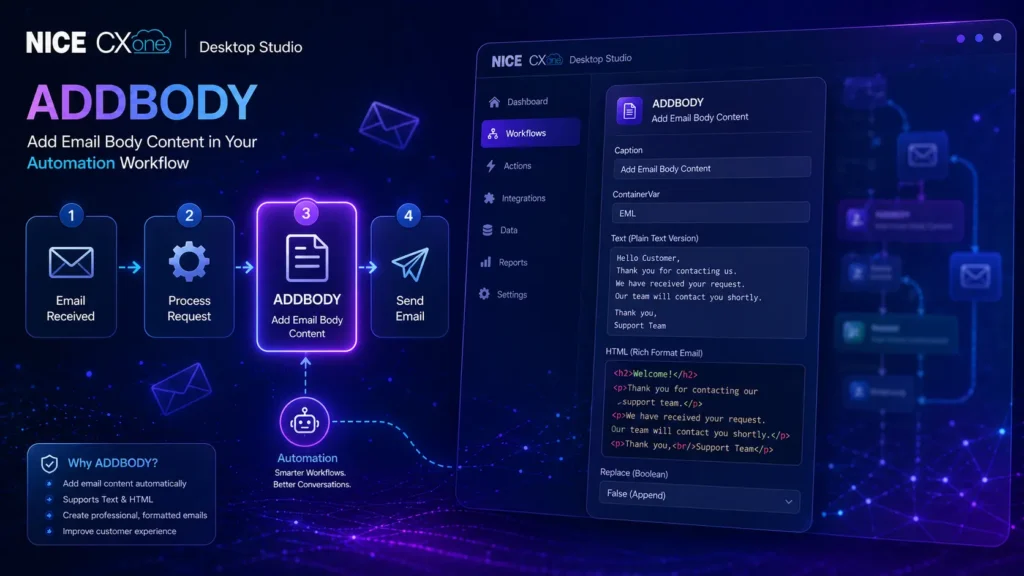
ADDBODY is an action used in email scripts to add content (text or HTML) to an email body.
In simple terms:
It helps you write the actual email message automatically inside a workflow.
Lorem ipsum dolor sit amet, consectetur adipiscing elit. Ut elit tellus, luctus nec ullamcorper mattis, pulvinar dapibus leo.
Why ADDBODY is Important
How ADDBODY Works (Simple Explanation)
Before using ADDBODY, you usually create an email structure using:
CreateEmail action
Then ADDBODY is used to insert the content into that email.
Basic Flow:
- Create Email → (CreateEmail)
- Add Subject → (AddSubject)
- Add Body → (ADDBODY)
- Send Email → (SendEmail)
Visual Workflow Example
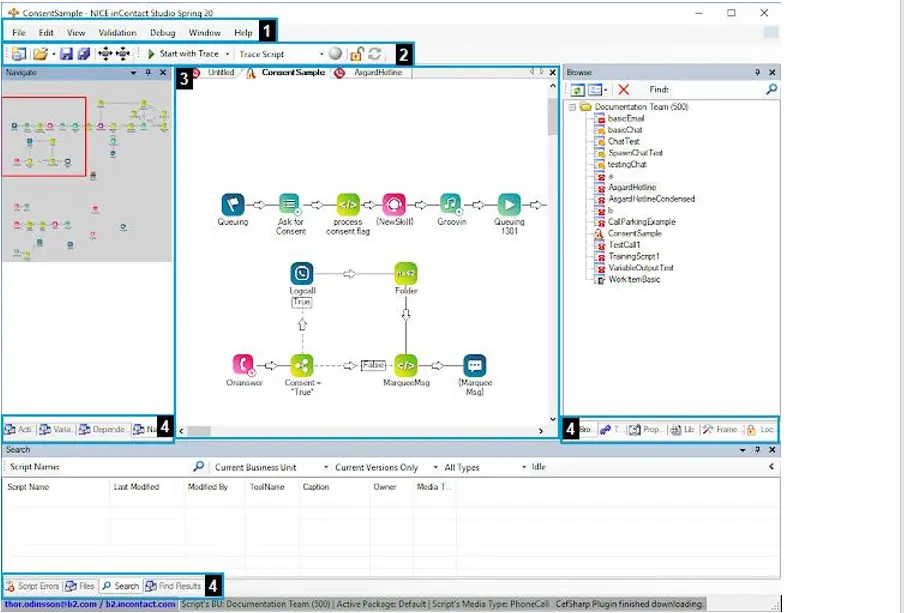
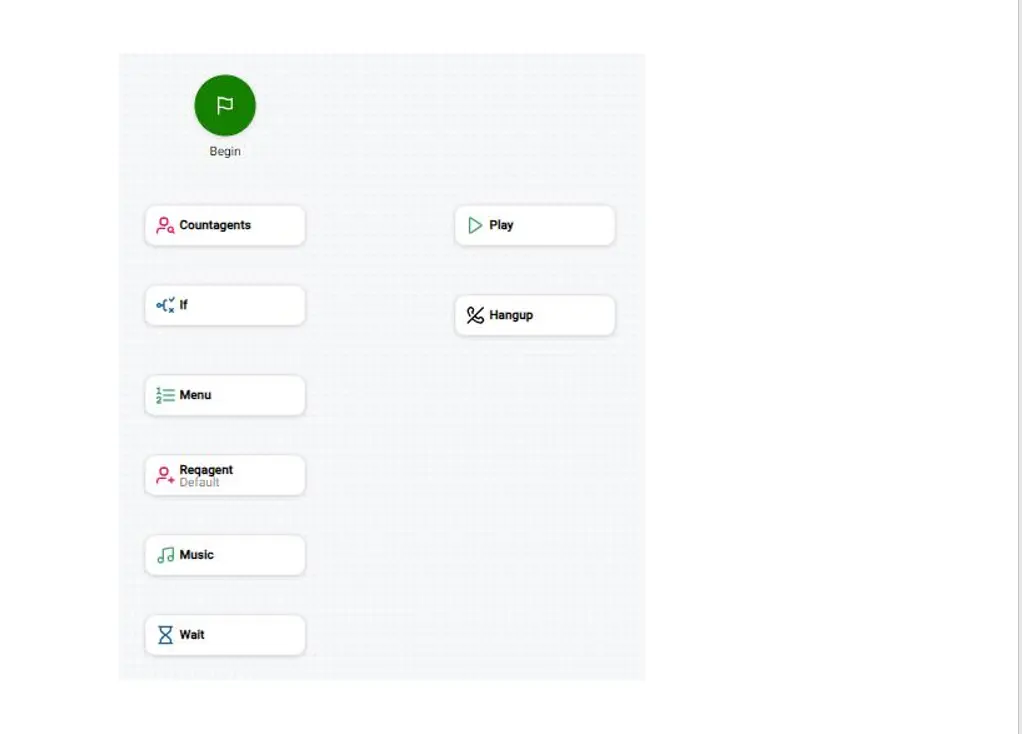
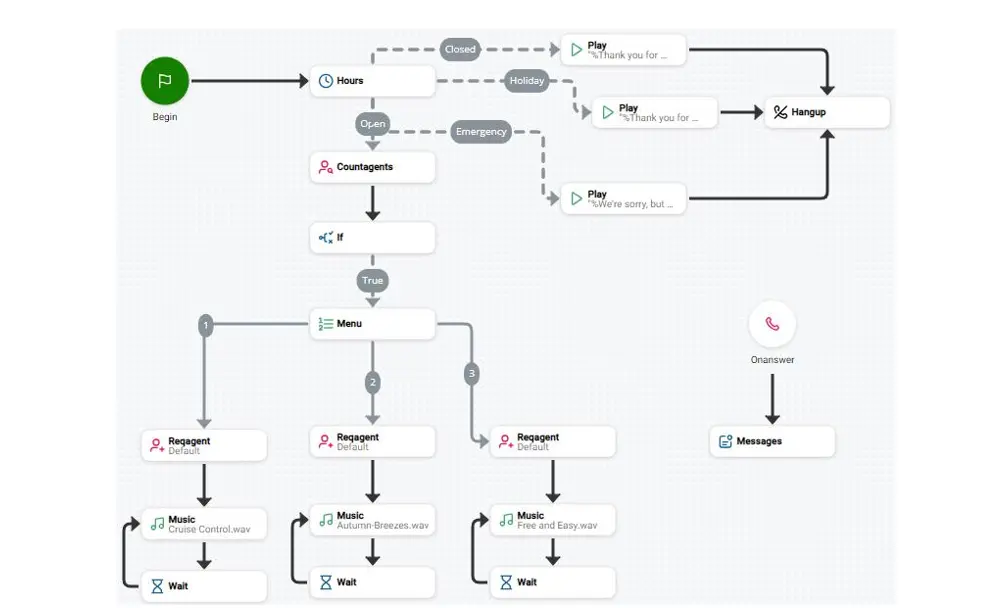
This type of workflow is commonly used in contact center automation systems.
ADDBODY Input Properties Explained
Let’s break down each property in a simple way:
- Caption
- A label for your action
- Helps identify it in the script
- Example: “Add Welcome Email Body”
- ContainerVar
- Stores the email data
- Default value: EML
- You usually don’t need to change this
- Text (Plain Text Version)
- Used when email client does not support HTML
- Example:
Hello Customer,
Thank you for contacting us.
- HTML (Rich Format Email)
- Used for formatted emails
- Supports:
- Colors
- Fonts
- Buttons
- Links
Example:
<h2>Welcome!</h2>
<p>Thank you for contacting our support team.</p>
- Replace (Boolean Option)
This controls how the content is handled:
- False (Default) → Adds content (append)
- True → Replaces existing content
Simple meaning:
- False = Add more text
- True = Overwrite existing text
Lorem ipsum dolor sit amet, consectetur adipiscing elit. Ut elit tellus, luctus nec ullamcorper mattis, pulvinar dapibus leo.
Real-Time Example (Beginner Friendly)
Scenario:
Customer submits a query → system sends automated reply
Script Flow:
- Trigger: Email received
- Action: Process request
- ADDBODY: Add response message
- Send Email
Example Output Email:
Subject: Support Request Received
Body:
Hello,
We have received your request.
Our team will contact you shortly.
Thank you,
Support Team
When Should You Use ADDBODY in nice cxone desktop?
Use ADDBODY when you want to:
- Send auto-reply emails
- Create support acknowledgments
- Build marketing emails
- Send transactional messages
- Customize email templates dynamically
Conclusion
The ADDBODY action in NICE CXone Desktop Studio is a fundamental part of email automation.
It allows you to:
Build structured email content
Automate customer communication
Improve efficiency in contact centers
If you are starting with NICE CXone scripting, mastering ADDBODY is one of the first steps toward becoming an expert – VoipTrainers.